Bolton Wanderers have started sending out digital season tickets for the 2026/27 Sky Bet Championship campaign, with the club urging fans to download and save their passes ahead of the first home fixture against Preston North End on Saturday 15 August.
How supporters will receive their season passes
Fans who opted for a digital-only season ticket will receive an email from Ticketmaster containing their digital pass. Those who chose a physical card have also been sent a digital version, while the physical cards are being posted First Class.
Download instructions
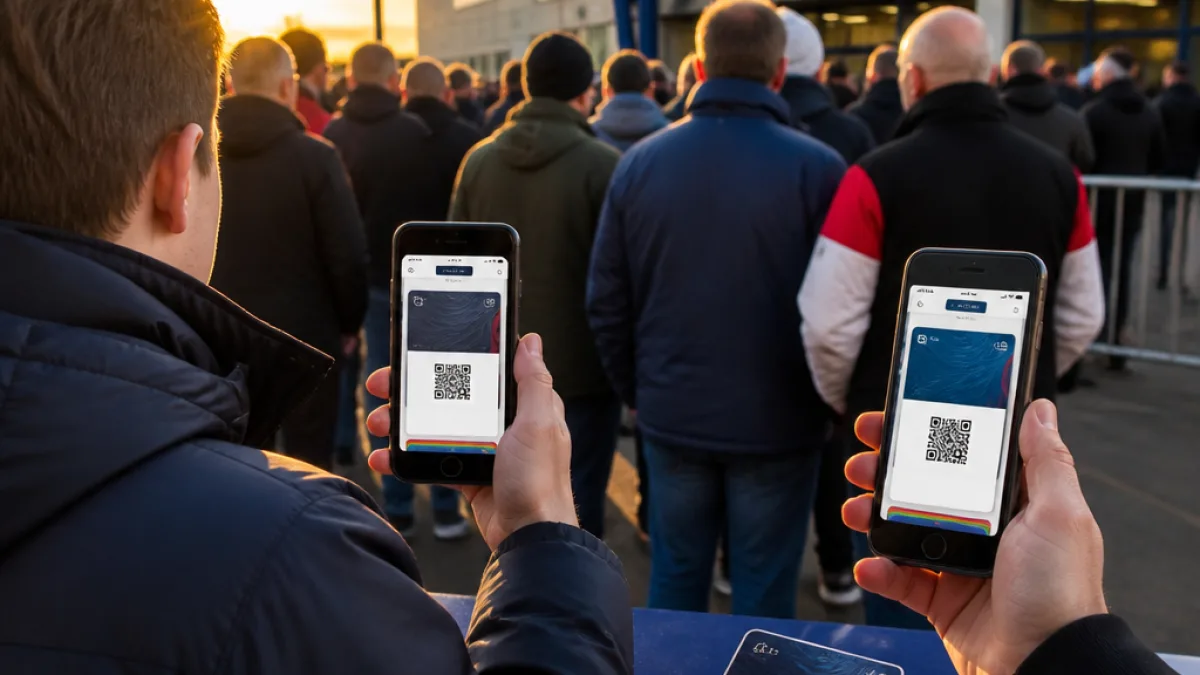
Bolton Wanderers advise supporters to add the ticket to their phone wallet before travelling to the Toughsheet Community Stadium to ensure the quickest turnstile entry. The club has provided separate steps for iPhone and Android users.
- Apple iPhone: Open the Ticketmaster email, tap "Add to Apple Wallet" then press "Add" to save the season ticket.
- Android: Open the Ticketmaster email, tap "Add to Google Wallet". If required, download Google Wallet from the Play Store and press "Save" to add the ticket.
| Platform | Action |
|---|---|
| iPhone | Tap "Add to Apple Wallet" → Add |
| Android | Tap "Add to Google Wallet" → Save (install app if prompted) |
Problems and contact details
If the digital pass has not arrived, supporters are asked first to check their junk or spam folders and to search for emails from Ticketmaster. They should also verify the email address used when purchasing the season ticket.
Those still unable to locate their digital ticket after these checks should contact the Bolton Wanderers Ticket Office, which the club says will assist. Physical season cards requested at purchase are on their way via First Class post and should arrive soon.
The club stresses that once downloaded, the digital season ticket is ready to use immediately. Supporters are being thanked for their backing as the new season nears.